


Try a different direction
A sharp serif and a soft script tell different stories. Use this AI type generator to explore both. Keep your phrase in the AI Font Generator and describe a different look.
Give your words a look of their own. Type a name or headline into our AI Font Generator, pick a style, and describe what you have in mind. Your next design starts here.
Illustrative figures · For preview only
Typography inspiration
A band name. A shop sign. That headline you keep coming back to. Put your words into the AI Font Generator, choose a style, and describe the look you have in mind. Your lettering takes shape right here.
Type a name or short headline into the AI Font Generator. Check your spelling, then give those words a look of their own.

Start with a finished headline, a picture in your head, or a style that catches your eye. The AI Font Generator gives you room to work from any of them.
Already know what you want to say? Put it in the AI Font Generator and choose a look. Your actual words make it easier to judge the first letter, the ending, and everything in between.
Start with your wordsA few clear details go a long way. Try “rounded cream letters on faded red paper, like an old diner menu.” Start with the mood, then add a material or color that matters to you.
Describe your ideaNot sure where to begin? Browse the styles below and pick one that feels close. Bring the sample into the AI Font Generator, replace it with your words, and make the idea your own.
Explore the stylesA sharp serif and a soft script tell different stories. Use this AI type generator to explore both. Keep your phrase in the AI Font Generator and describe a different look.
Polished chrome feels different from worn copper. If you have tried other AI font generators, bring the details you liked into your brief. Name a material instead of simply asking for something cool.
A wide banner needs a different arrangement from a tall invitation. Describe open spacing or a compact title in the AI Font Generator, then check how the whole phrase fits.
A background changes the mood too. Describe warm paper, a quiet gray surface, or a late-night glow. Ask the AI Font Generator for enough contrast to keep the words clear.
Sculpted gold. Electric neon. Letters made of liquid glass. Explore a few favorites from our inspiration gallery, then bring the look to your own words in the AI Font Generator. Every direction has its own texture, light, and mood.
Big-screen titles. Neon nights. A party invitation nobody misses. Explore lettering ideas for posters, covers, and everyday projects, then bring your own words to the AI Font Generator.
Your bio, name, or next caption. Give it a little character, then copy it anywhere.
ℳ𝒶𝓀ℯ 𝒾𝓉 𝓎ℴ𝓊𝓇𝓈
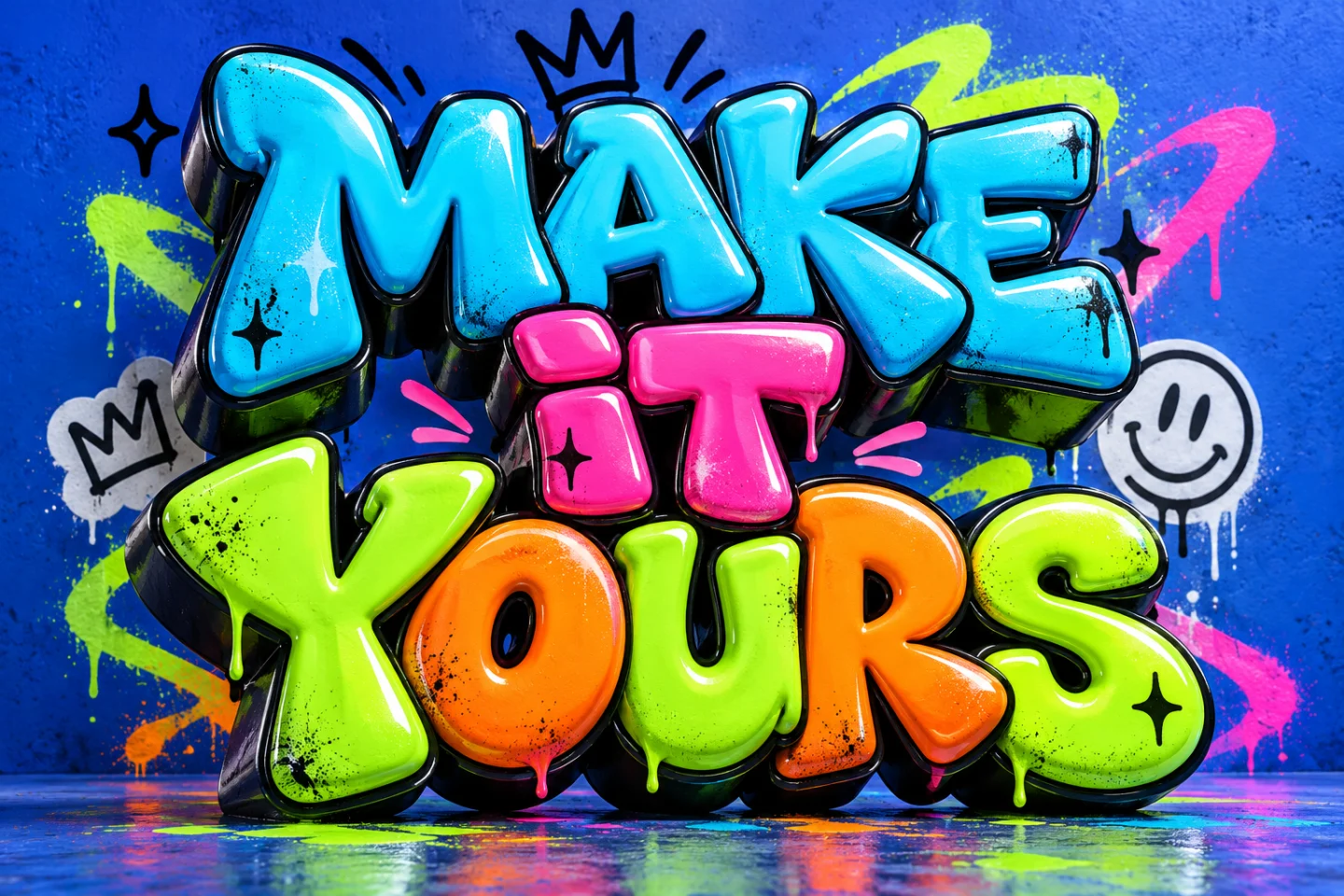
Free to copy. No account or credits needed. Characters may look different across apps.
Picture your words on something real.
 A little inspiration
From a first gig to a sold-out show. Give the headline as much energy as the event.
Start with these words. Make them yours. A little inspiration
The little coffee shop. The flower store on the corner. Make a familiar name feel unmistakably yours.
Start with these words. Make them yours. A little inspiration
A club, a cause, or just a good line. Find the lettering for something people will want to keep.
Start with these words. Make them yours. A little inspiration
Give your next video a title that holds its own, even on the smallest screen.
Start with these words. Make them yours. A little inspiration
A coffee blend, a handmade candle, a new idea. Give the small details a little more character.
Start with these words. Make them yours. A little inspiration
Something worth celebrating deserves words with feeling. Set the tone before the day begins.
Start with these words. Make them yours. A little inspiration
A team name. A stream title. A world of your own. Make a bold first impression before play begins.
Start with these words. Make them yours. A little inspiration
Open with a title that belongs to your story. Give the room something to remember.
Start with these words. Make them yours.Your words, your finish, your frame. A few simple choices go a long way.
 A look for every idea
Mix expressive letterforms with a finish you love. Explore the libraries or try a direction below.
For the feed, the story, or the big screen. Explore eight ratios, Auto, and custom sizes in the studio.
AI FontGen turns a short phrase and visual brief into a lettering image. Use it for titles, posters and social graphics. The homepage also includes a separate tool for copying decorative Unicode text.
Swipe to compare all columns.
| Type | What you get | Useful for | What to know |
|---|---|---|---|
| Lettering image | PNG, JPEG or WebP artwork | A title, poster or social graphic | An image of your words; letters are not editable as typed text. |
| Copyable text | Unicode characters | A short name or decorative caption | Appearance depends on the receiving app and its fonts. |
| Installable font | TTF, OTF or WOFF font software | Typing new text in a chosen typeface | Not generated by AI FontGen. Use the original font source and its license. |
About copyable text: Unicode explains why characters need suitable fonts to display correctly.
Big ideas sometimes start with a small question.
The AI Font Generator turns your words and a visual brief into lettering for posters, names, and headlines. Use this AI font maker to explore a look, starting with the phrase that matters most.
Yes. Open the AI Font Generator, enter your words, and select Generate. No sign-up is needed. You get daily guest credits, and the studio shows the cost for your selected model and resolution before you begin. Your recent creations stay with this browser. Browsing styles and using the separate copyable text tool are free.
Yes. Choose a preset, then describe the look in the AI Font Generator. Mention a material, color, or setting. “Soft blue glass with a gentle glow” gives a clearer direction than “make it interesting.”
Think about the setting first. Playful or Handwritten may suit an invitation, while Chrome or Neon could fit a late-night poster. Try your phrase in the AI Font Generator and check the result where you plan to use it.
Review the spelling and each letter in your AI Font Generator result before using it. AI can sometimes reshape or miss characters. If that happens, simplify your phrase or visual brief and try again.
Keep your text and change the preset or description. You could try warm paper after polished metal, or a quieter style after something bold. Each new generation uses the displayed credits, and recent results stay close by while you decide what fits.
Ask the AI Font Generator for clear contrast and some room around the words. Then check the result at the size people will see it. A simpler style or a shorter phrase often helps more than adding another effect.
Apps and devices choose their own fonts for Unicode characters. Keep decorative styles for short names or accents. Plain text works better for contact details and longer messages, especially for people using screen readers.
Head back to the AI Font Generator, find a lettering style, or try copyable text. These links take you straight to the tools and ideas on this page.